





How Reference Media Makes AI Video Easier to Direct
Reference media gives the instruction something concrete to follow.
AI video often looks simplest from the outside: write a prompt, wait for a clip and download the result. In practice, the prompt is only one part of the job. A creator may already have a product photograph, a rough storyboard, a music track or a short clip that captures the movement they want. The challenge is turning those separate materials into one clear set of directions.
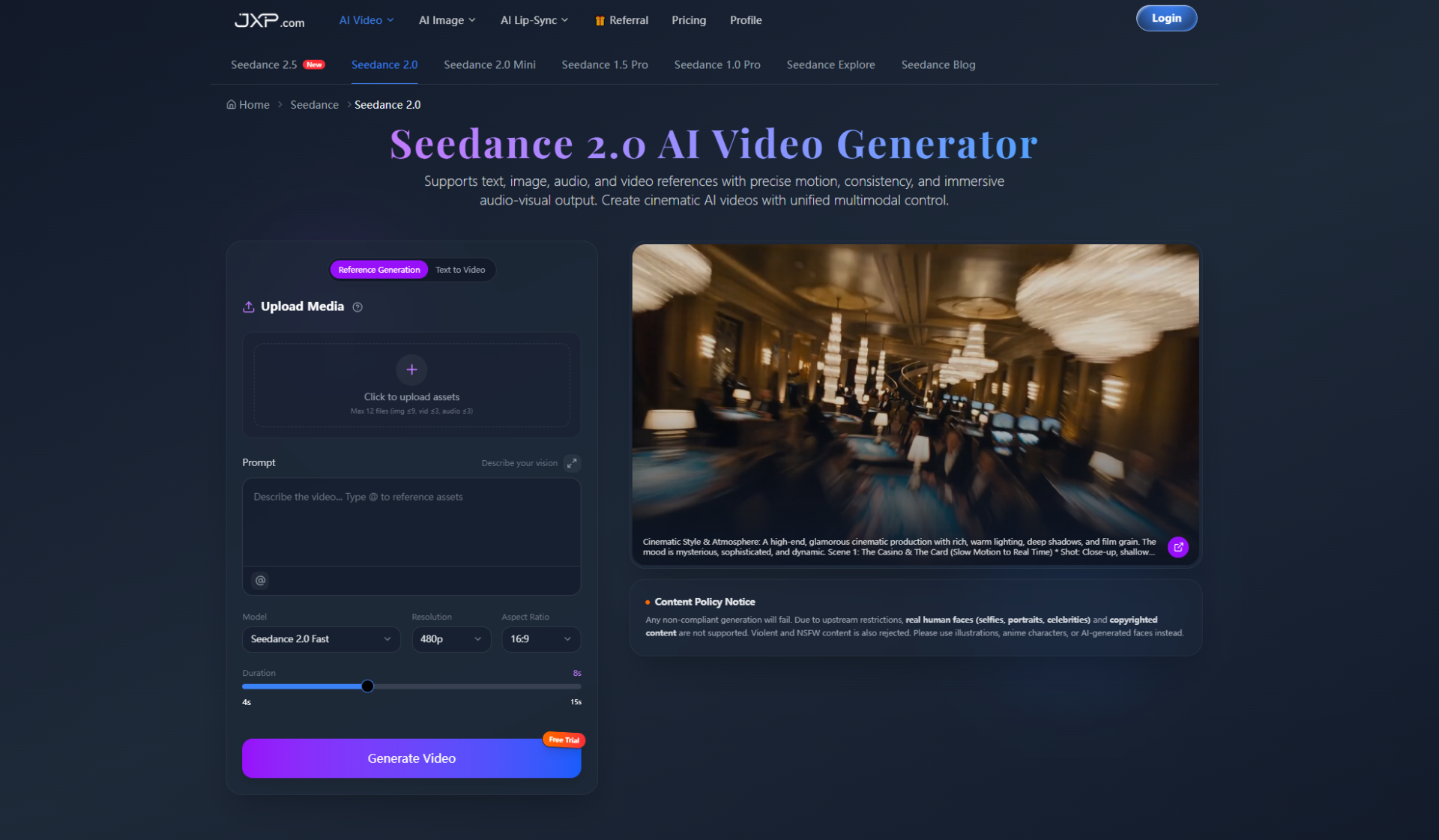
This is where reference-based generation becomes useful. Instead of asking a model to invent every detail, the creator can show it what should remain consistent and explain what should change. Seedance 2.0 supports text, image, audio and video references in the same workflow, giving each asset a practical role in shaping the result.
The value is not simply having more inputs. It is being able to communicate an idea with less ambiguity. A good reference can explain appearance, rhythm or camera movement more clearly than another paragraph of adjectives.
Why Prompts Alone Can Be Unclear
Words such as “cinematic,” “energetic” or “premium” can mean different things to different people. One creator may imagine slow camera movement and soft lighting. Another may expect fast cuts and strong contrast. A text prompt can describe the idea, but it may not establish the exact visual language.
Reference media gives the instruction something concrete to follow. An image can anchor a character or product. A video can demonstrate a camera move. Audio can establish pacing. Text can then connect those materials and describe how they should work together.
This approach is especially helpful when several people need to review the same concept. The references create a shared starting point, making feedback more specific than “make it feel more exciting.”
Give Every Reference One Clear Job
Uploading more files does not automatically produce a better clip. The model still needs to understand why each file is present. A useful prompt assigns a role to every input.
- Image: preserve the subject, first frame, colour palette or setting.
- Video: guide camera movement, choreography, timing or transition logic.
- Audio: influence rhythm, atmosphere or the timing of visual beats.
- Text: describe the action, relationship between assets and intended result.
For example, a product team might upload a clean pack shot, reference a slow orbit from another clip and add a music track with a clear beat. The written instruction can specify that the pack shot defines the product, the clip defines only the camera path and the audio determines when the final reveal happens.
That is a stronger brief than asking for “a dramatic product commercial.” It also makes the multimodal video creation process easier to review because the team knows what each input was meant to control.
Use References to Test Ideas Before Production
Reference-based AI video can be useful before a full shoot or edit begins. A marketing team can test whether a product reveal feels too slow. A filmmaker can explore a camera path before planning equipment. A social media creator can see whether a still image has enough visual information to support motion.
The first output should be treated as a draft. Its job is to expose questions early:
- Does the subject remain recognisable throughout the clip?
- Is the camera movement helping the idea or distracting from it?
- Do transitions make sense?
- Does the pacing match the chosen audio?
- Would the concept still work in the intended aspect ratio?
A moving draft makes these issues easier to discuss than a written treatment alone. Even when a final production uses different footage, the draft can clarify what the team wants to keep.
Refinement Is More Valuable Than Starting Over
A generated clip may be close to the brief without being ready to use. Perhaps the opening works but the ending needs more time. A transition may feel abrupt. One character may need replacing while the rest of the scene is acceptable.
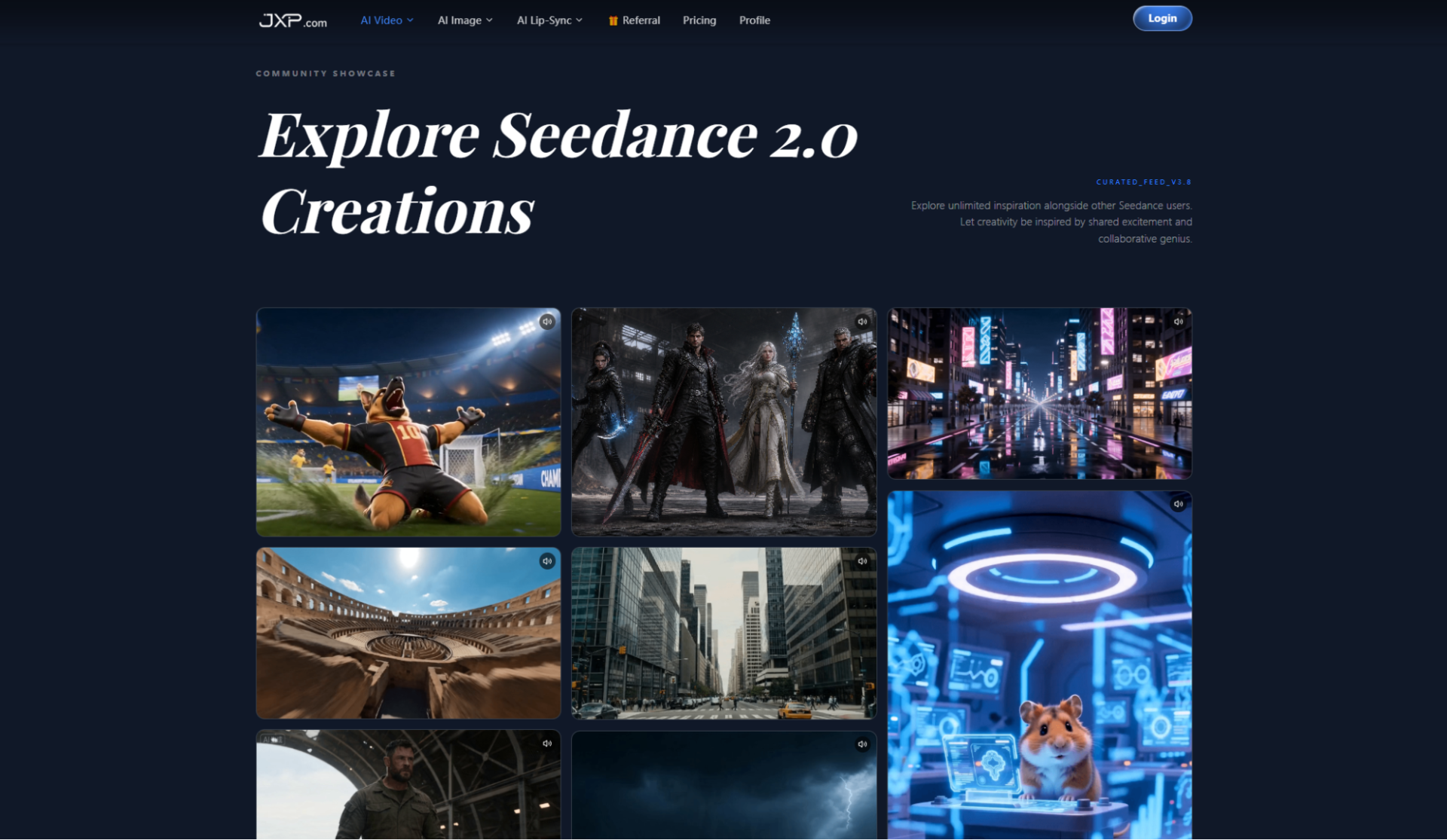
Seedance 2.0 presents workflows for extending clips, combining video sections and refining selected parts without rebuilding the entire concept. This matters because creative work is rarely approved in one pass. A useful tool should support revision, not make every correction feel like a new project.
Keeping the successful parts of a draft also makes feedback easier to track. The team can compare a specific change rather than judging two unrelated generations.
Review the Output Before Publishing
Reference control does not remove the need for human checks. Products, logos, hands, faces, text and small background details can still change unexpectedly. Motion should be reviewed frame by frame when accuracy matters.
Creators should also use assets they have permission to use. The platform notes restrictions around real human faces, copyrighted material, violent content and NSFW content. Illustrations, original assets and AI-generated faces are safer starting points when a project involves people or recognisable characters.
Before publishing, watch the clip without sound and then with sound. The silent review reveals visual continuity problems, while the second pass shows whether rhythm and audio cues actually support the story.
A Simple Reference-Led Workflow
A practical project can begin with only a few well-chosen materials:
- Choose one main subject and one visual reference that defines it.
- Add a motion reference only if the camera or action is difficult to describe.
- Use audio when timing is central to the concept.
- Write a prompt that assigns a purpose to every uploaded asset.
- Generate a short draft, review one problem at a time and refine deliberately.
The goal is not to fill every upload slot. It is to reduce uncertainty. A small, organised reference set is usually easier to direct than a folder of loosely related inspiration.
Final Thoughts
AI video becomes more practical when creators can communicate with examples as well as words. Images establish appearance, videos demonstrate motion, audio shapes timing and text explains how the pieces should connect.
The strongest use of a reference-led AI video workspace is not one-click production. It is building a clearer first draft, learning from it and revising the idea without losing the parts that already work. For teams planning marketing clips, social content or visual concepts, that is a grounded way to make AI video part of a real creative process.
Understanding What Really Depends On Your Paycheck
Christian Pulisic’s Chelsea Struggles Explained—and Why Liverpool Could Be His Redemption Story

The Role of Blockchain Payments in Modern Commerce

How to Reach Buyers Before They Contact Another REALTOR