





How to Convert Images to Videos with AI: A 2026 Guide for Brands and Creators
How to Convert Images to Videos with AI: A 2026 Guide for Brands…
There’s a quiet shift happening in content creation this year. The brands that are winning on social, ecommerce, and paid ads aren’t necessarily the ones with bigger budgets — they’re the ones who’ve figured out how to turn their existing photo libraries into motion content at scale. Static images are still useful, but in 2026, motion is what earns attention.
The good news is that you don’t need a videographer, a motion designer, or a $3,000 software stack to do this anymore. AI has compressed what used to be a multi-day production process into a few minutes. In this guide, I’ll walk you through how to think about image-to-video AI in 2026, what separates good results from bad ones, and how to build it into a real workflow that actually saves you time.
Why Image-to-Video AI Is Having a Moment in 2026
For the past two years, most of the AI hype has focused on text-to-video models. They’re impressive, but they have one frustrating limitation: you can’t control what shows up on screen. You type a prompt, you hope the model interprets it correctly, and half the time you get something that doesn’t match your brand at all.
Image-to-video solves that problem. You start with an asset you already own — a product photo, a model shot, a branded illustration — and the AI brings it to life while preserving the details that matter. The output looks like your content, not a generic AI generation.
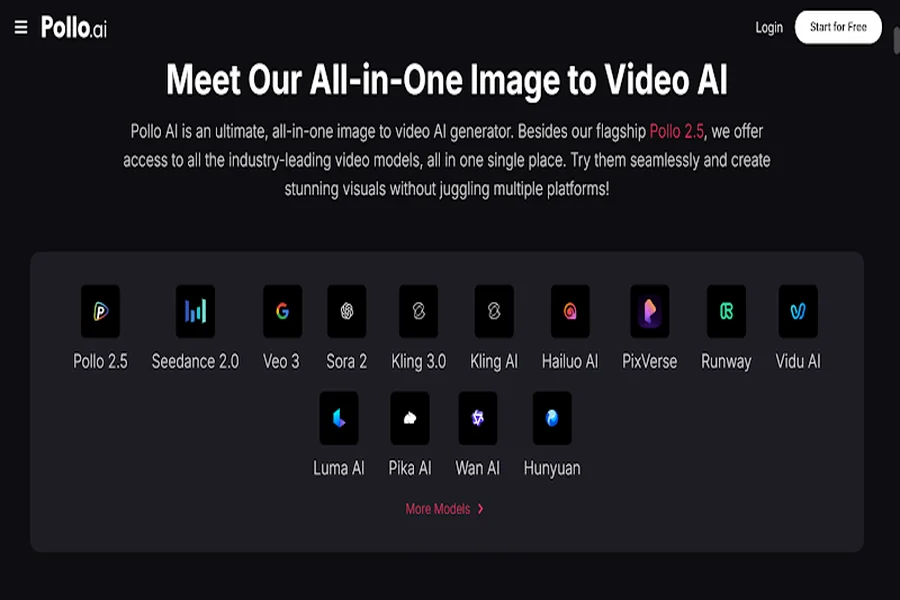
If you want a low-friction starting point, Pollo AI’s tool to convert images to videos is one of the cleanest options I’ve used this year. It’s part of Pollo AI’s Creative Studio, which aggregates the leading video models in a single interface so you can compare outputs without juggling five subscriptions. You upload an image, describe the motion you want, and get back a polished 5–10 second clip. That’s the entire process.
What Makes a Good Image-to-Video Result
After running a few thousand generations across different platforms, I’ve narrowed down the variables that actually matter.
Source image quality is everything. A sharp, well-lit, high-resolution photo will animate beautifully. A compressed phone screenshot will produce mush no matter which model you use. If you only optimize one thing, optimize this.
Describe motion, not content. The AI can already see what’s in your image. Your job is to tell it what should move. “Camera slowly pushes in, gentle wind moves the leaves” gives the model real direction. “A nice video of nature” gives it nothing.
Keep prompts physical and short. Verbs and camera terminology consistently outperform mood words. “Dolly zoom toward the subject” works. “Cinematic dreamy ethereal feel” doesn’t.
Generate multiple takes. Even identical inputs produce different outputs each run. Budget three to five generations per shot and pick the strongest.
Choosing the Right Tool for the Right Job
There’s no shortage of image-to-video tools in 2026, and most of them are competent at the basics. What separates them is workflow integration and model selection.
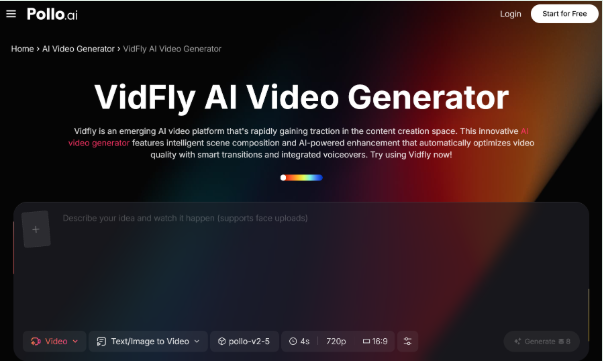
For quick social clips, lifestyle b-roll, or atmospheric content, a focused image-to-video generator like Vidfly AI inside Pollo AI works well — it’s lightweight and gives you fast turnaround when you don’t need a complex production setup. For more deliberate cinematic shots, you’ll want to use one of the heavier flagship video models, which Pollo AI also makes available through the same credit system. This matters because the friction of jumping between tools is what actually kills creative output in 2026, not the cost of any single subscription.
If your work skews toward ecommerce, Pollo AI’s Commerce Studio is worth a closer look. It’s tuned specifically for product shots, model photography, and ecommerce poster design — workflows that general-purpose AI tools tend to handle clumsily.
A Practical Workflow for Small Brands
Let me walk through a real scenario. Say you’re a skincare brand launching a new serum and you have three photos: a packshot on white, a lifestyle shot on a bathroom counter, and a close-up of the product texture.
Start with the packshot. Generate a slow 360-degree rotation or a subtle camera push-in. This becomes the hero clip on your product page.
Move to the lifestyle shot. Animate steam rising from a nearby coffee cup or sunlight slowly shifting across the counter. Now you have a cinematic atmosphere clip without ever booking a studio.
For the texture close-up, generate a slow-motion swirl or a soft ripple. That becomes your “ingredients in action” hook for paid ads.
Three premium video assets from three photos you already had — total production time under 30 minutes. That’s the kind of leverage that wasn’t possible even 12 months ago.
Common Mistakes to Avoid
The biggest mistake I see is treating image-to-video like a one-shot lottery. People generate once, get a mediocre result, and write off the whole category. Iteration is part of the craft — even professional motion designers don’t nail it on the first try.
The second mistake is over-animating. Just because everything can move doesn’t mean everything should. The most effective clips have one or two clear motion elements and let the rest of the frame breathe. A subtle camera push with a still subject often outperforms a busy scene with five moving parts.
The third mistake is ignoring sound. A silent animated clip feels half-finished, no matter how good the visuals are. Even a basic ambient track or a soft whoosh on a transition will double the perceived production value.
And finally, don’t forget to match the output format to the platform. A 16:9 generation looks awkward on TikTok, and a vertical clip wastes space on YouTube. Most tools, including Pollo AI, let you set the aspect ratio before generating — use it.
Final Thoughts
Image-to-video AI isn’t a novelty anymore. In mid-2026, it’s a standard part of how small brands and solo creators compete with much bigger production budgets. The models have matured, the outputs are genuinely usable, and the cost-per-clip has dropped to a point where there’s no reason not to experiment.
Pick one workflow, run it consistently for 30 days, and let the engagement data tell you what’s working. Platforms like Pollo AI bundle the leading models under one roof, which means you can stop chasing every new release and focus on what actually matters — making content people want to watch.
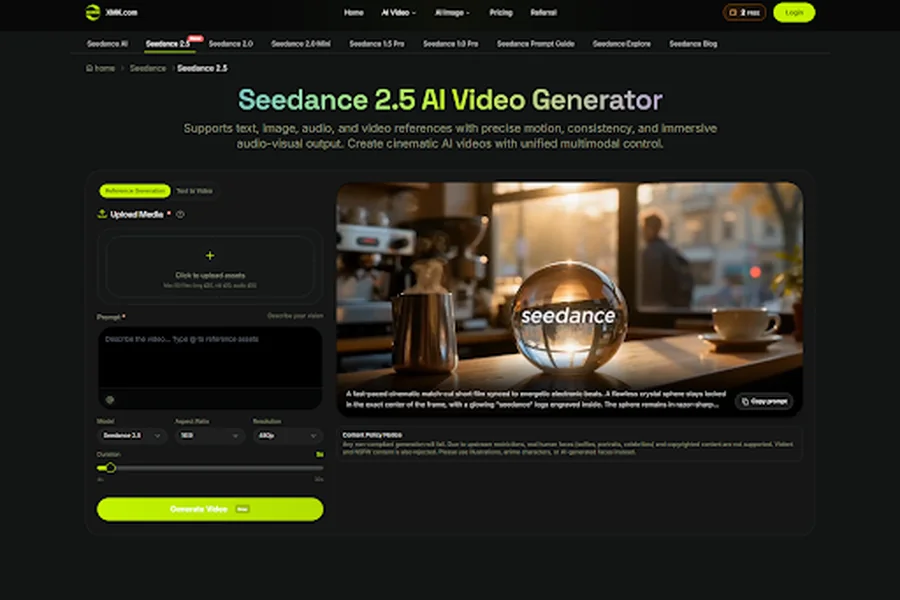
Seedance 2.5 vs Veo 3.1 in Education: Which Workflow Fits Guided Visual Lessons Better?
Electrochromic Technology Comes to Cars

Why Media Owners Need Stronger Protection for Digital Assets
Architectural Defense: How RYAN London Reimagines Shock Absorption for the Upcoming iPhone 18